If the Yu-Gi-Oh! DB website asks to login with Game Card ID just click "I don't have a game card ID" and fill some basic information to proceed
Export Guide
- Via the MDM extension (Recommended): Download on Firefox, or Chromium Browsers For Chromium browsers (Chrome/Edge/Opera/Brave...etc) just click "Add to chrome" on the store page and it'll work on most if not all chromium browsers. After using the extension, go to the Master Duel game => Main menu => Deck option => The Card database option at the top right corner => locate the deck you exported and copy it
Once the deck page loads click Edit then do one of the following based on the platform your device is running:
(PC Only): Press F12 to open the DevTools window => Navigate to the Console tab in the window => Paste the export code => Hit Enter
OR (Other platforms/PC): In the address bar of the current tab remove the URL and type "javascript:" without the quotations then paste the export code, then if you're on mobile look for the *globe* icon and tap on it to run the code (Chrome only), for PC users just hit enter.
The deck will save automatically
Go to the Master Duel game => Main menu => Deck option => The Card database option at the top right corner => locate the deck you exported and copy it
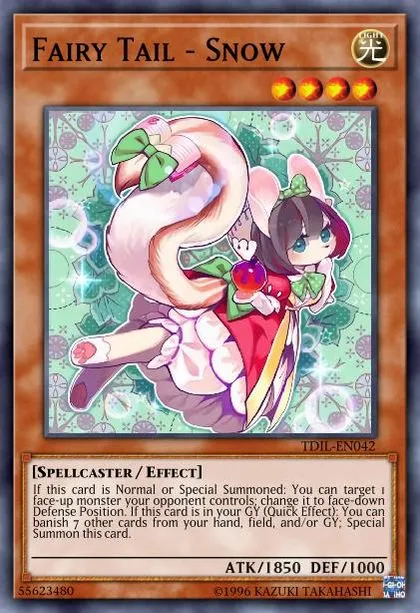
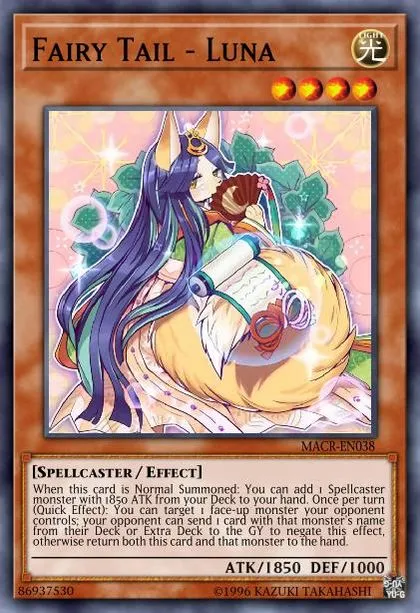
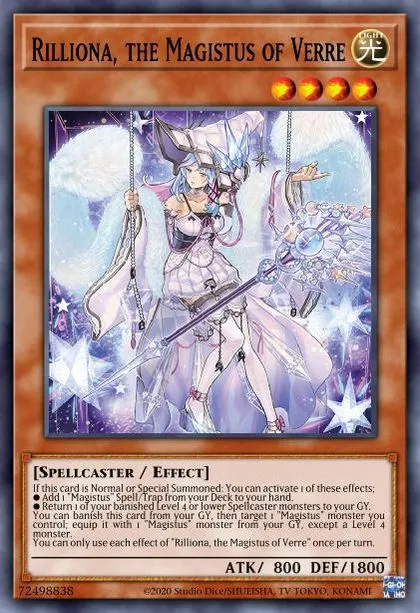
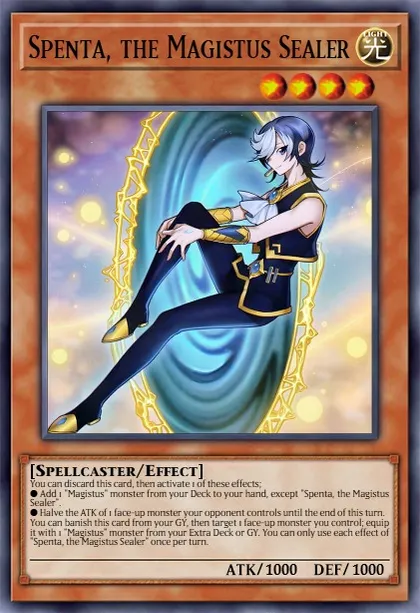
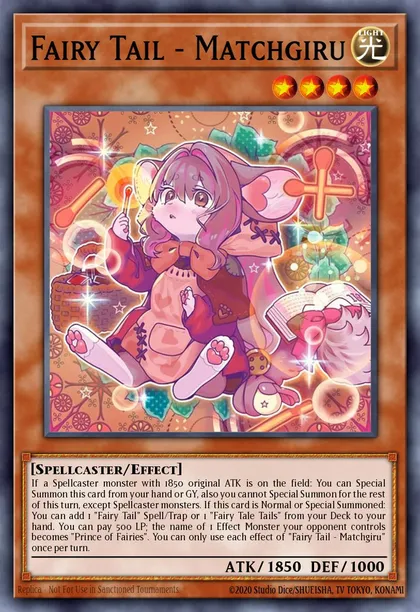
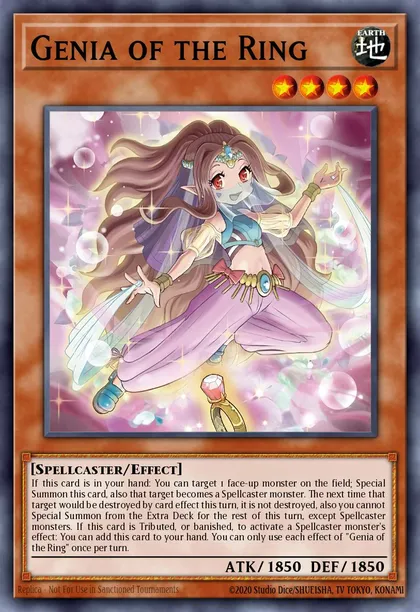
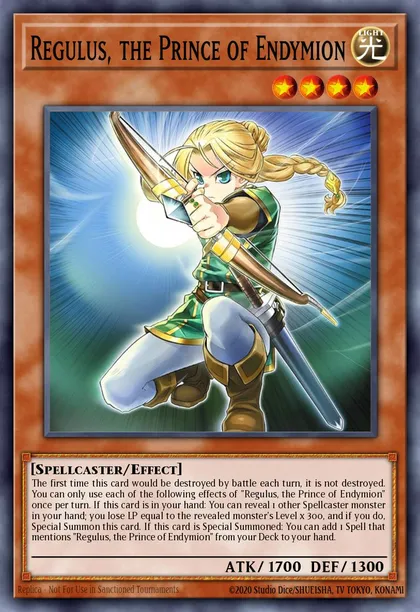
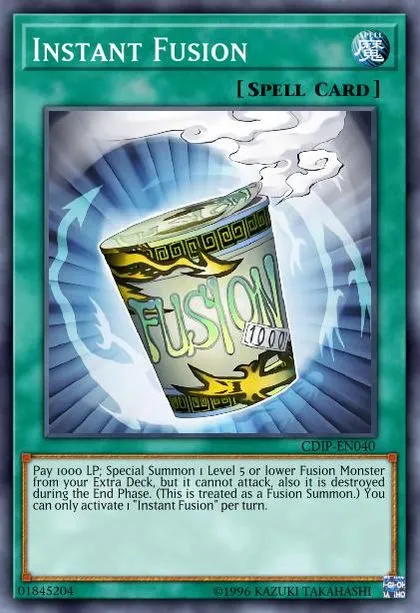
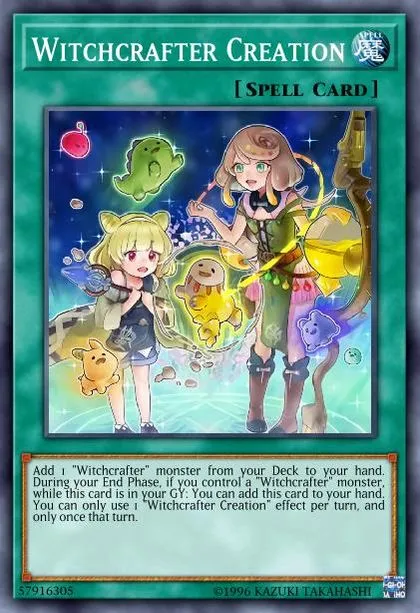
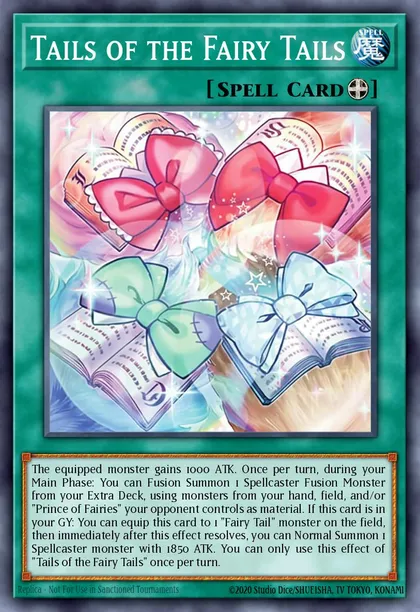
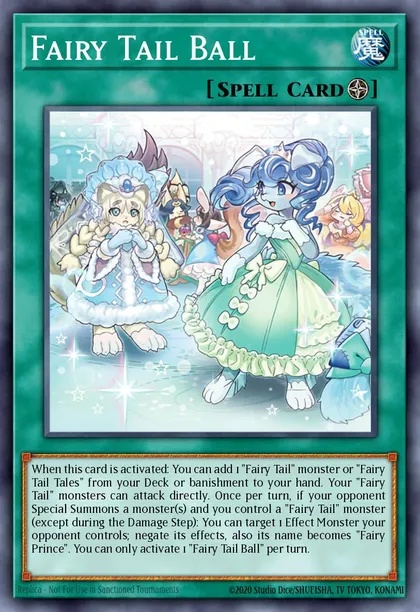
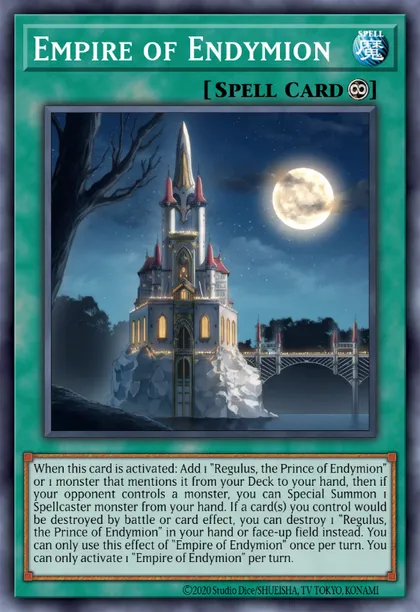
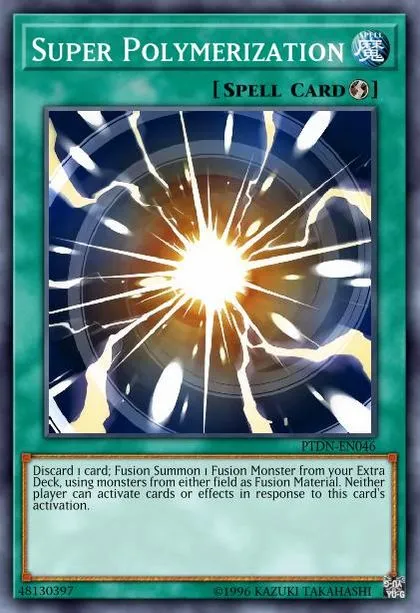
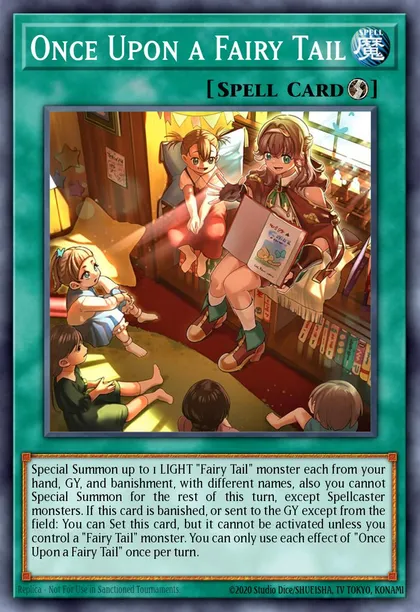
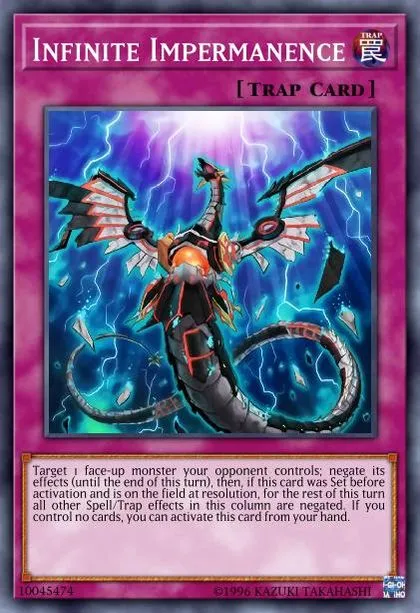
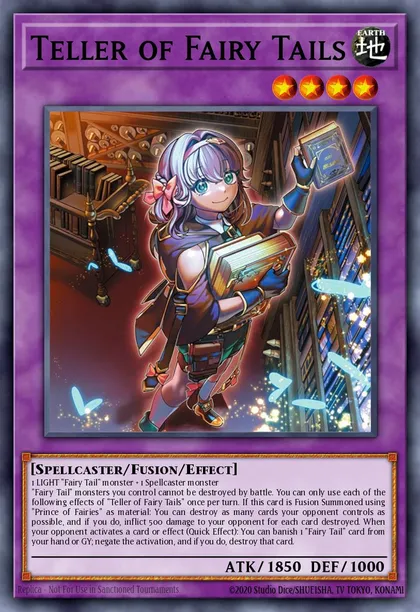
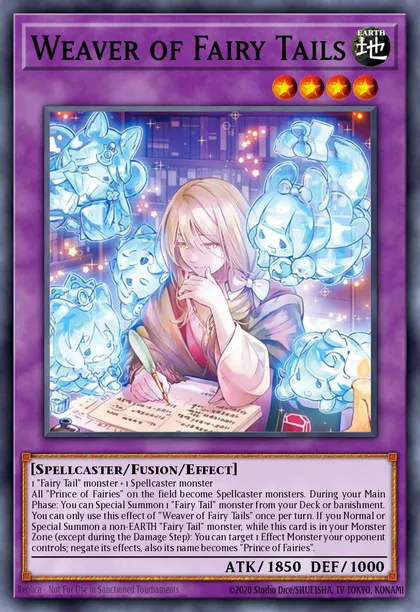
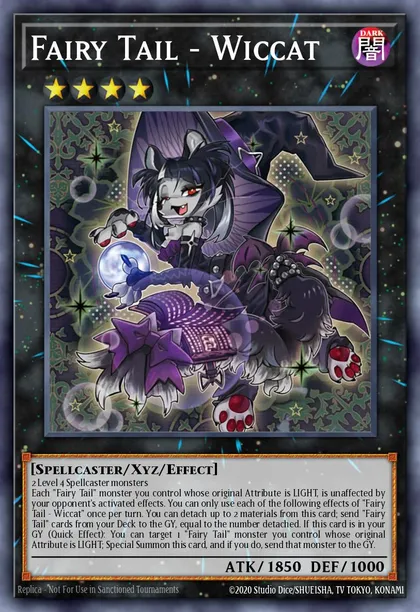
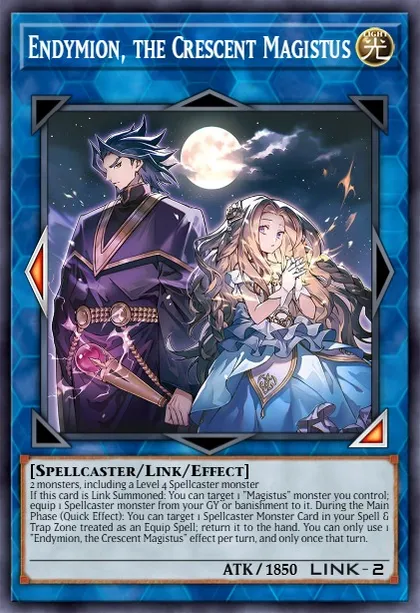
It seems like quite a few people are planning to use Fairy Tale at the Nijisanji Yu-Gi-Oh Festival, so since the deck is hot right now, I figured I'd share my build.
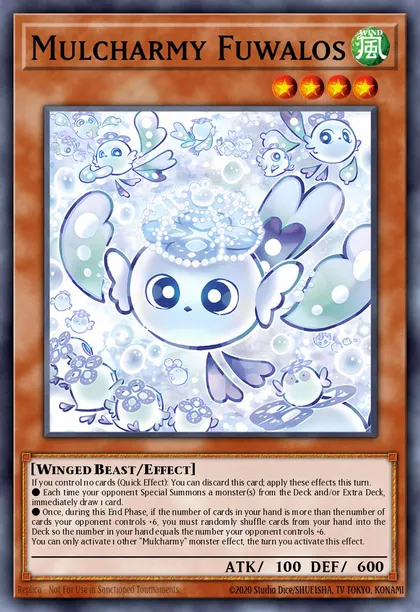
It has a lot of ways to make plays, and if you can resolve Mulcharmy Fuwalos, you can even break boards featuring cards like Kewl Tune, which was really nice.
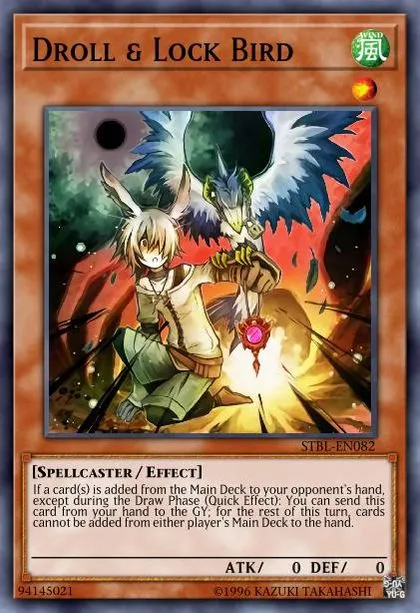
It was also surprisingly resilient to Droll & Lock Bird and Mulcharmy Fuwalos, and I was really impressed with how well it held up.