If the Yu-Gi-Oh! DB website asks to login with Game Card ID just click "I don't have a game card ID" and fill some basic information to proceed
Export Guide
- Via the MDM extension (Recommended): Download on Firefox, or Chromium Browsers For Chromium browsers (Chrome/Edge/Opera/Brave...etc) just click "Add to chrome" on the store page and it'll work on most if not all chromium browsers. After using the extension, go to the Master Duel game => Main menu => Deck option => The Card database option at the top right corner => locate the deck you exported and copy it
Once the deck page loads click Edit then do one of the following based on the platform your device is running:
(PC Only): Press F12 to open the DevTools window => Navigate to the Console tab in the window => Paste the export code => Hit Enter
OR (Other platforms/PC): In the address bar of the current tab remove the URL and type "javascript:" without the quotations then paste the export code, then if you're on mobile look for the *globe* icon and tap on it to run the code (Chrome only), for PC users just hit enter.
The deck will save automatically
Go to the Master Duel game => Main menu => Deck option => The Card database option at the top right corner => locate the deck you exported and copy it
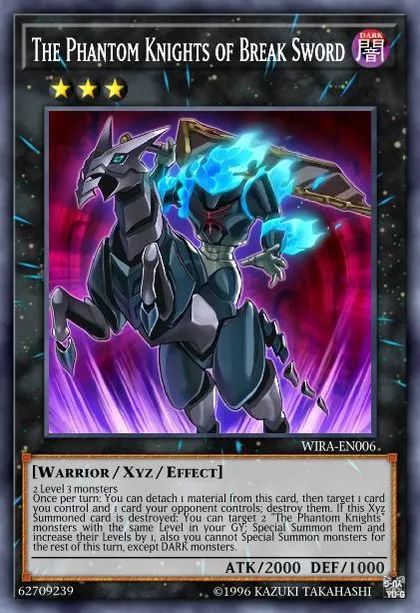
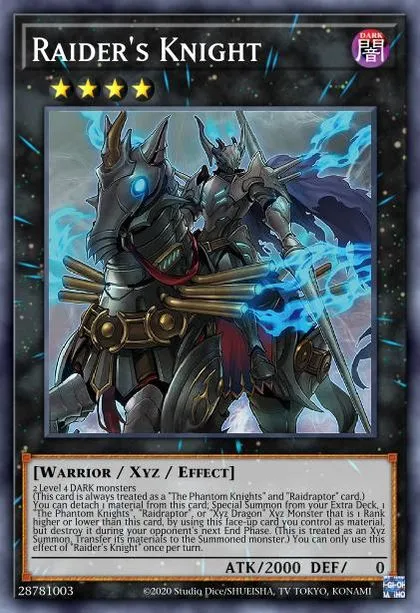
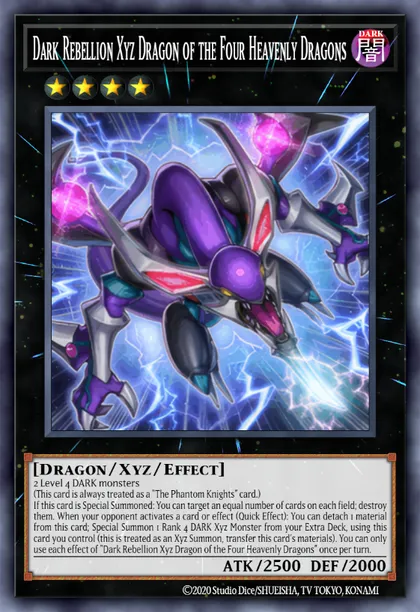
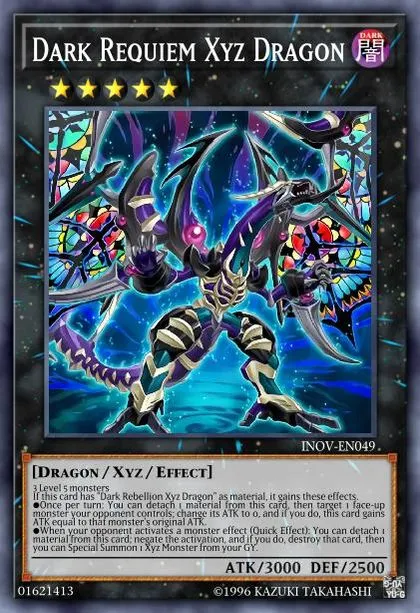
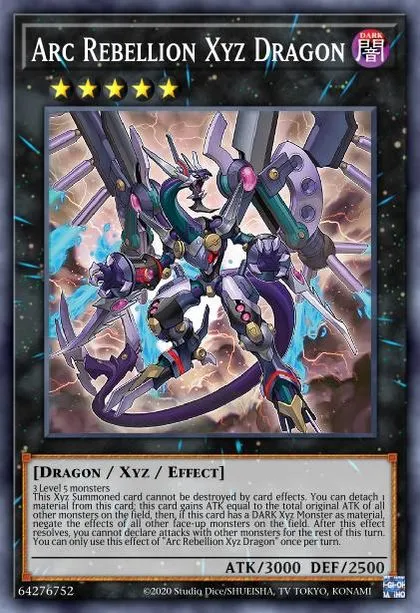
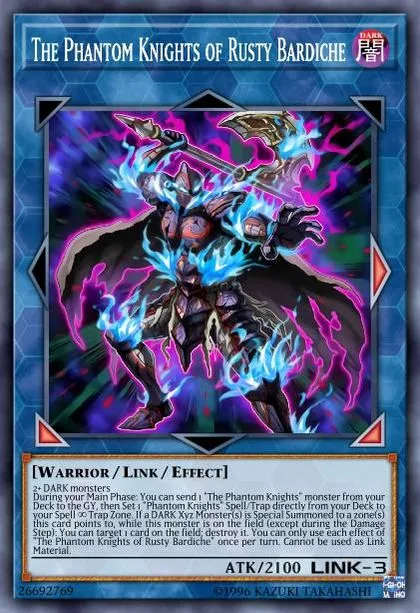
After the new pack dropped, I started with Phantom Knights and made it to Master 5, my save point.
Before playing it, I thought having so many cards I didn't want to draw would make it rough, but surprisingly, it can put out a lot of plays and has been working pretty well.
It's really fun to play, with excellent board-breaking power!